Internal Tools
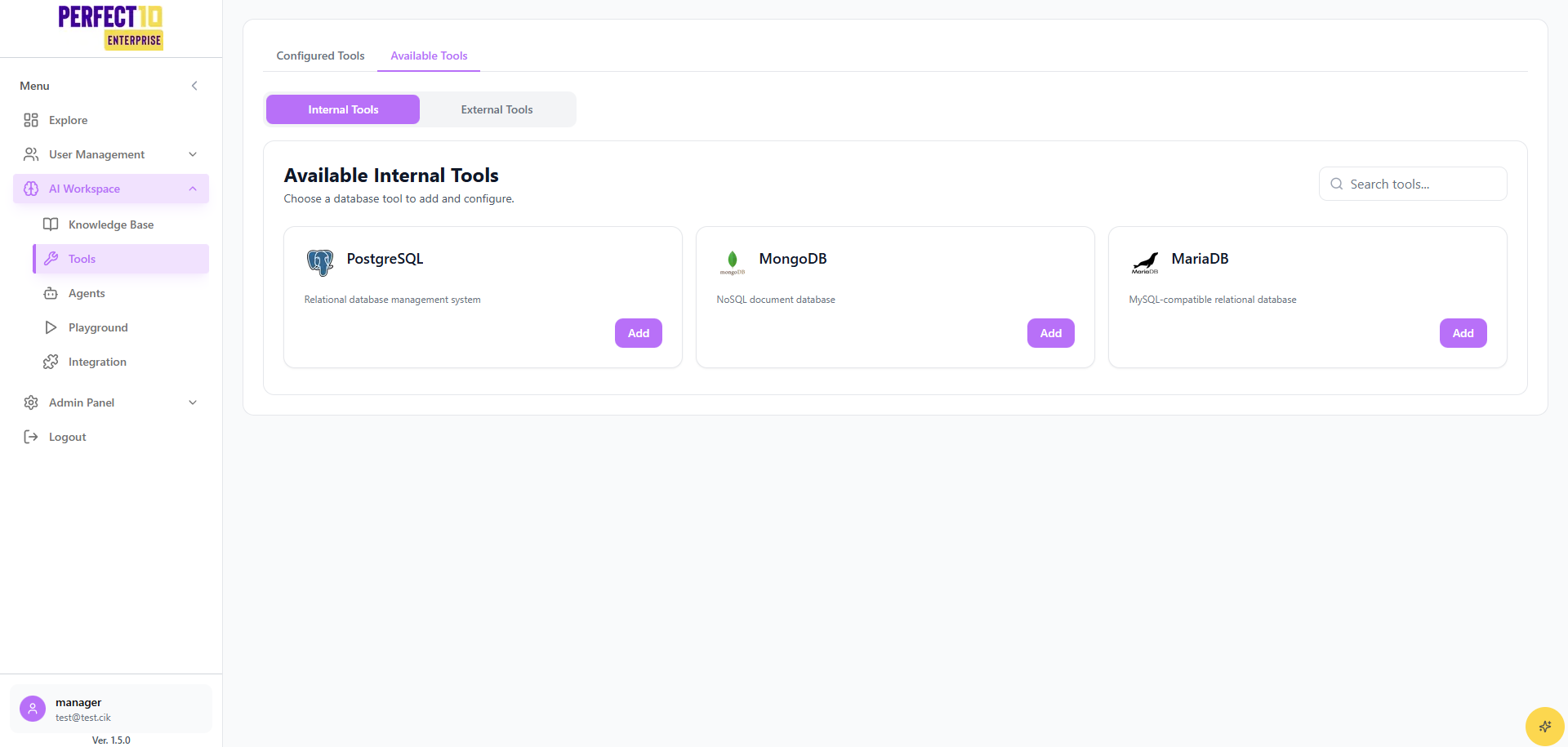
Internal Tools Overview
The Internal Tools feature in Perfect10 Pro provides administrators with built-in utilities for managing and connecting to various database systems used within the enterprise platform.
This section is primarily intended for system administrators and developers who require direct database-level integrations.
Location in Menu
- Tools
- Internal ← (this page)
- External
Internal Tool List
Administrators can select from the available database tools:
- PostgreSQL: Relational database management system
- MongoDB: NoSQL document database
- MariaDB: MySQL-compatible relational database
Configured Tools
- Default State: No tools are configured initially
- Adding Tools:
- Navigate to Tools → Internal
- Select a database from the Internal Tool List
- Configure connection details (host, port, credentials)
- Save configuration
Once configured, the tool will appear in the Configured Tools panel for ongoing use.
Key Features
- Search Tools: Quickly find the database tool you want to configure
- Multiple Databases: Support for both relational (PostgreSQL, MariaDB) and non-relational (MongoDB) systems
- Centralized Access: Manage all internal database tools from one platform interface
Important Considerations
- Security: Ensure database credentials are managed securely and comply with enterprise standards
- Access Rights: Only administrators with proper permissions should configure internal tools
- Scalability: Internal tools can be expanded with future database support as needed
Note: Misconfigured connections may lead to downtime or data inaccessibility. Always validate credentials before saving.
Tip: Start with a staging database connection before linking to production systems.