External Tools
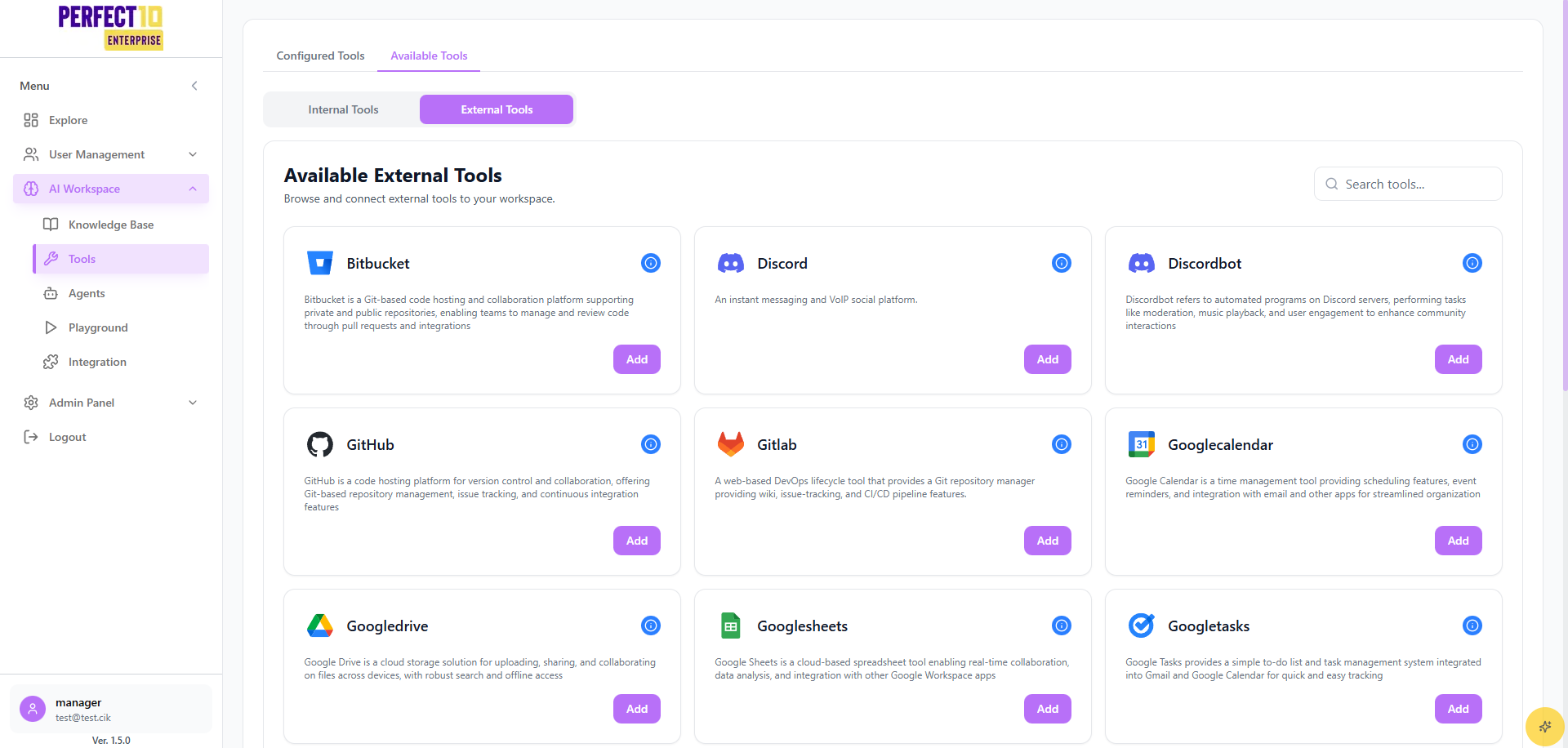
External Tools Overview
The External Tools feature in Perfect10 Pro allows administrators to integrate and manage third-party applications directly within the platform. This enhances collaboration, productivity, and workflow automation by connecting popular tools such as GitHub, Slack, Trello, Google Workspace, Microsoft Workspace, Notion, and more.
Location in Menu
- Tools
- Internal
- External ← (this page)
External Tool List
Perfect10 Pro provides access to a wide range of external integrations:
- Code Repositories: GitHub, GitLab, Bitbucket
- Messaging & Collaboration: Slack, Discord
- Google Workspace Apps: Google Calendar, Google Drive, Google Sheets, Google Tasks
- Productivity Tools: Trello, Notion, Asana
- Media & Social Platforms: YouTube, Twitter (X)
- Others: Hundreds of enterprise, SaaS, and API-based tools
Currently, more than 700+ tools are available for integration.
Configured Tools
The Configured Tools panel displays active integrations.
Example:
-
Google Calendar
- Connected: 10/4/2025
- Account ID:
••••••••x-Ul - Status: Connected
-
Google Tasks
- Connected: 10/3/2025
- Account ID:
••••••••8vZx - Status: Connected
Managing External Tools
Adding a Tool
- Navigate to Tools → External
- Search or browse the External Tool List
- Select a tool (e.g., GitHub, Slack)
- Click Connect
- Authenticate via OAuth or API key
- Once successful, the tool will appear in Configured Tools
Key Features
- Search Tools: Quickly find integrations from the 700+ available tools
- Multiple Integrations: Connect to several tools simultaneously
- Centralized Management: Manage all external integrations in one place
- OAuth & API Support: Secure authentication for third-party tools
Important Considerations
- Permissions: Ensure only authorized admins can add or remove integrations
- Security: Use domain restrictions and OAuth where possible
- Audit Logs: Monitor integration activities for compliance and troubleshooting
Note: Removing a configured tool will disable its functionality across the platform immediately.
Tip: Start by integrating core productivity tools (Google Workspace, Slack, GitHub) to maximize collaboration.