System Login
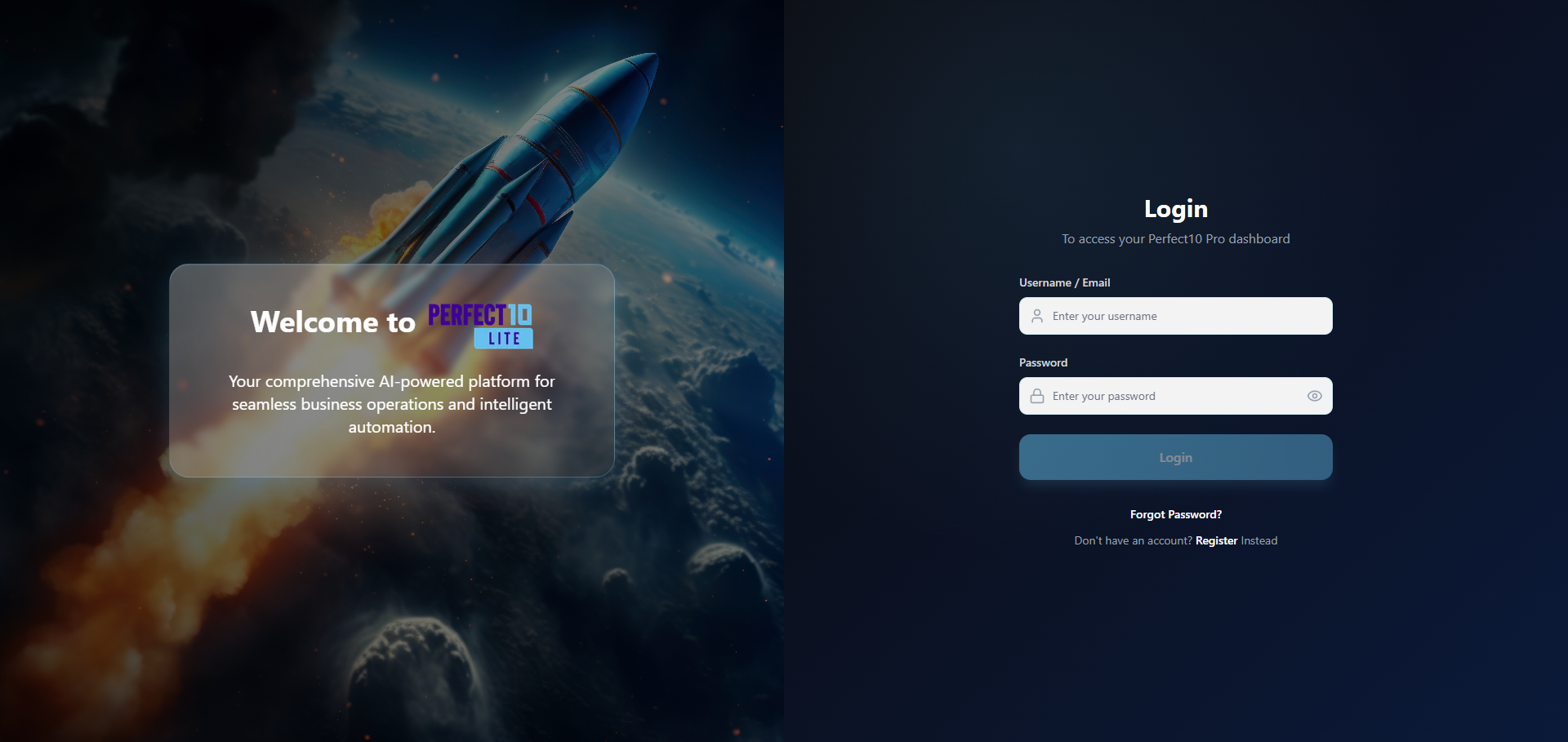
The System Login page provides secure, role-based access to the Perfect10 Pro - Enterprise Platform.
It ensures that administrators and staff members can access the system safely, maintaining compliance with enterprise-grade authentication and encryption standards.
Login Overview
Perfect10 Pro employs role-based authentication to distinguish between different user levels:
- Administrators – Full access to all configuration, monitoring, and management features.
- Staff Members – Limited access for operational support and daily management tasks.
This system enforces strict session control, encryption, and account protection to maintain platform integrity.
Login Procedure
Follow the steps below to sign in securely:
- Navigate to https://perfect10.id/auth/login.
- Enter your registered email address and password.
- Click Login to access the admin interface.
Upon successful authentication, you will be redirected to your respective dashboard based on your assigned role.
Security Recommendations
Note: Ensure a stable internet connection and that your login credentials are valid. Perfect10 Pro uses AES-256 encryption and HTTPS/TLS protocols to protect all authentication data.
Security Tip:
- Use a strong, unique password that includes uppercase letters, numbers, and symbols.
- Avoid reusing passwords across systems.
- Enable multi-factor authentication (MFA) when available for enhanced protection.
Troubleshooting Access
If you are unable to log in:
- Verify that your account is active and not suspended.
- Reset your password using the “Forgot Password” option on the login page.
- Contact your system administrator or Perfect10 support team for assistance if issues persist.
Pro Tip: Regularly review your login activity logs within the admin panel to ensure no unauthorized access occurs.