Manager Guide
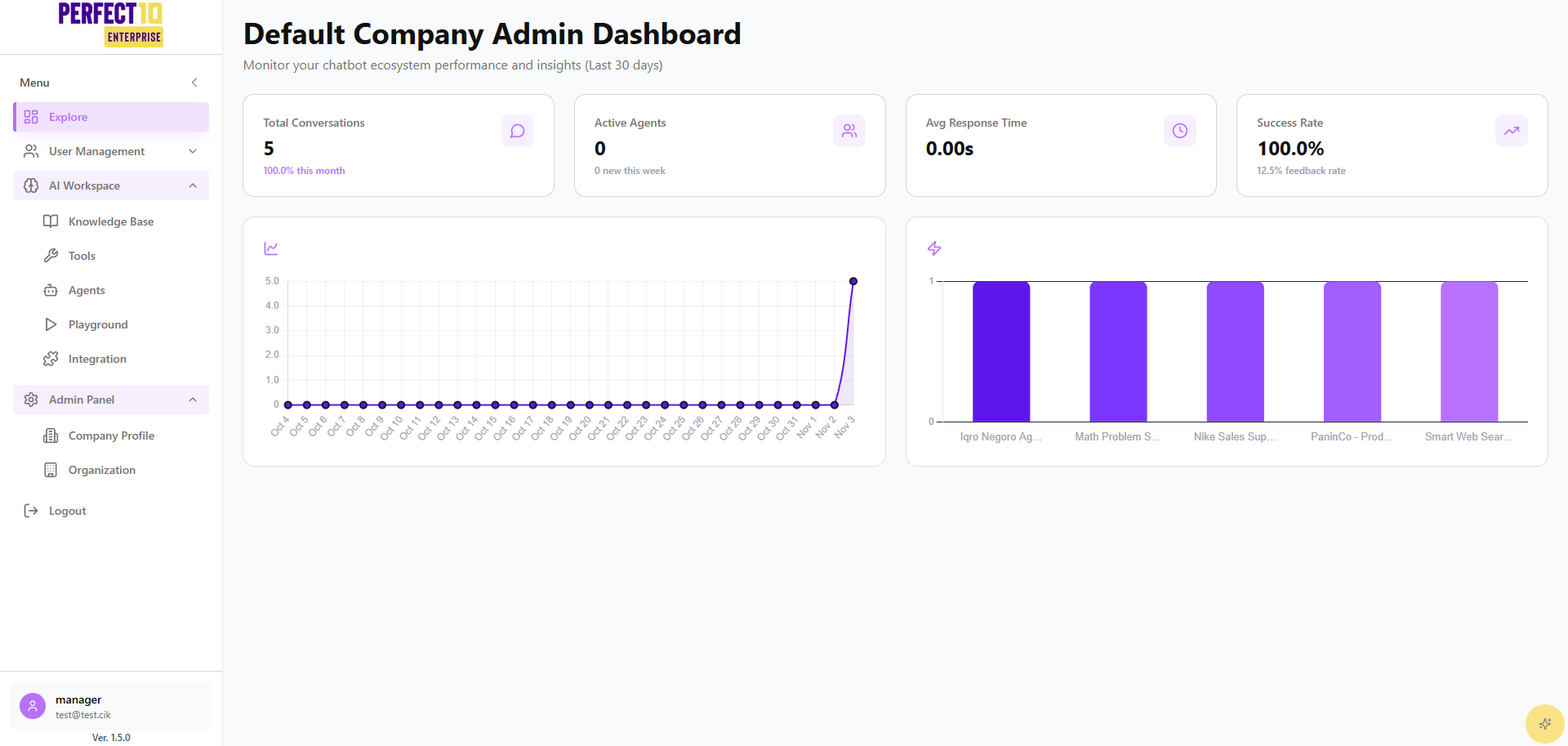
The Manager Guide provides clear steps for managers to configure and operate the Perfect10 platform. It mirrors the Admin Guide structure where relevant, while reflecting manager-level permissions.
Overview
Managers oversee day-to-day operations of AI workspaces within their divisions. This includes configuring agents, managing knowledge content, testing via the playground, and handling staff onboarding with invitations and staff access controls.
Key Responsibilities of Managers
- Configure and maintain AI agents to meet division needs.
- Manage knowledge bases for accurate, contextual responses.
- Use playground to validate flows and agent behavior.
- Integrate with approved external systems as needed.
- Perform limited user management (invitations and employee status) within their division.
Managers do not manage departments or company-wide settings, and do not have access to Admin Panel features such as Usage Analytics.
Platform Sections
The Manager Guide is organized into the following sections:
- Explore - Access login, dashboard, and user management (Invitations, Employees).
- AI Workspaces - Manage knowledge base, agents, integrations, and playground.
- Logout - End sessions securely to protect access.
Best Practices
- Keep knowledge base content current and scoped to your division.
- Test changes in the playground before rolling into production workflows.
- Use the Employees view to monitor staff status; escalate role or division changes to Admins.
Tip: Coordinate with Administrators for cross-division needs, role changes, or usage analytics.