Tools
Overview
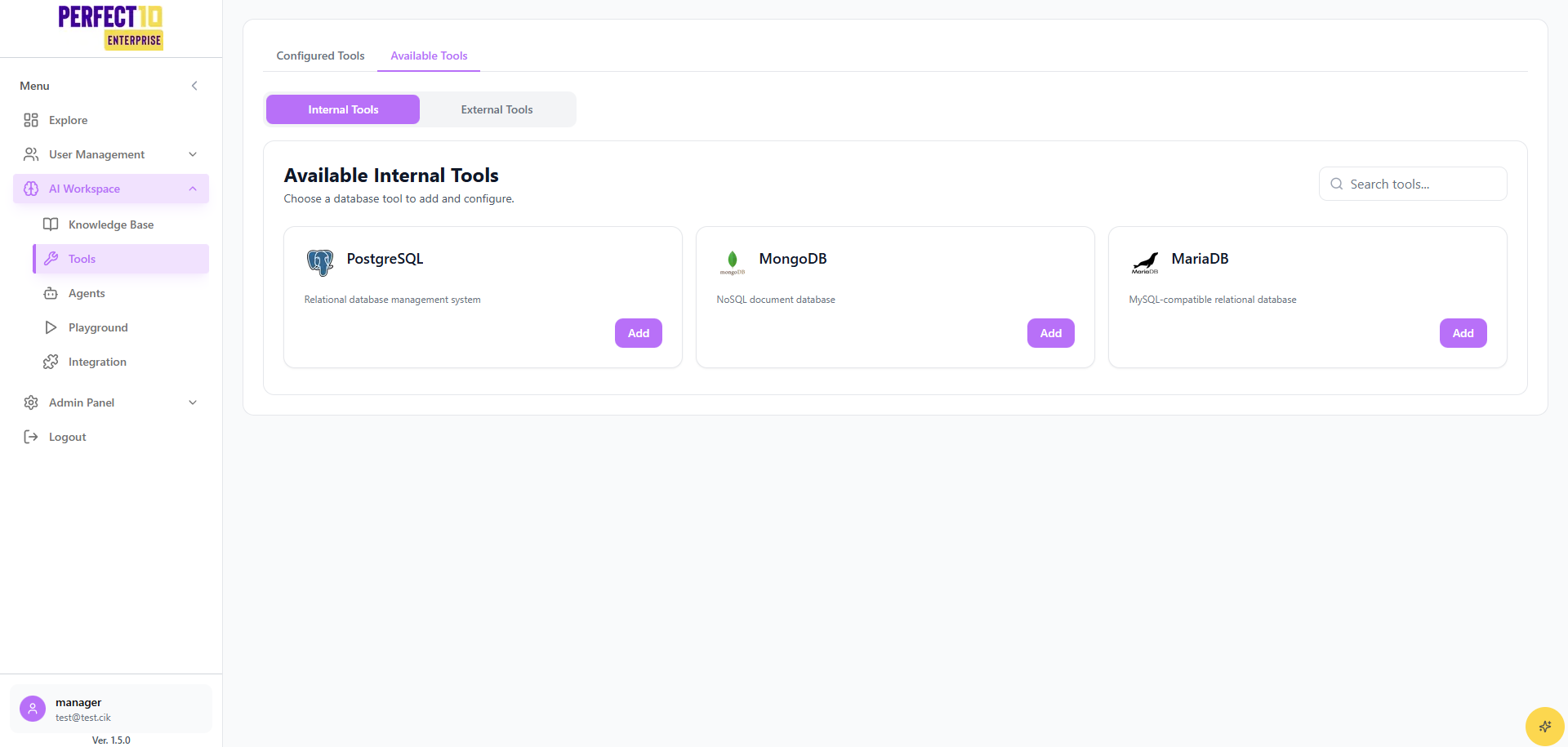
The Tools workspace lets managers enable approved internal and external capabilities for their division's agents. Managers can view available integrations, toggle access, and verify tool configuration before publishing to production flows.
Tool Categories
- Internal Tools - Company-provided utilities such as internal knowledge lookups or HR systems.
- External Tools - Vetted third-party services (e.g., CRM, ticketing) exposed through secure APIs.
Managers can only activate tools that have been pre-approved by Administrators. New tool onboarding requires admin review.
Managing Tools
- Open the Tools tab in the AI Workspace sidebar.
- Use the Filter dropdown to switch between Internal and External inventories.
- Select an agent to review its currently assigned tools.
- Toggle the Enable switch next to a tool to grant or revoke access.
- Click Save Changes to apply the configuration.
Verifying Tool Details
- Inspect the Summary panel for required credentials or scopes.
- Review the Last Updated timestamp to confirm the integration is current.
- Check the Usage Notes section for call limits and escalation guidance.
Best Practices
- Coordinate with Administrators when a new integration is required.
- Disable unused tools to reduce cost and simplify troubleshooting.
- Document tool behavior in the agent's handover notes for staff visibility.
Tip: After updating tools, validate agent conversations in the Playground to confirm the new capabilities respond as expected.